







You pull up Instagram and decide to check on someone’s profile for no real reason. Except when you search for them, they’re just gone. Now you’re spiraling. Did they block you? Did they delete their account? Are they ghosting you? Is there a difference? Welcome to the Instagram detective game nobody wanted to be good at.
The frustrating part is that Instagram doesn’t exactly make this obvious. You can’t get a notification that says “Hey, this person blocked you.” You have to figure it out yourself, and that’s where things get messy.
Don’t worry, there are actual ways to tell the difference, and none of them require you to be a tech genius.
1. Search for Their Username and See What Happens
This is the first thing you do, and it’s usually the tell. Try searching their username in the Instagram search bar. If their account was deleted, their profile usually won’t show up, and sometimes you’ll get a message saying something like “No results found” or “User not found.”
Here’s the thing that’s different with blocking: when someone blocks you, their profile just completely vanishes from your search results too. It’s the same end result, which is annoying, but the intent behind it is different. One person chose to go nuclear on their entire account. The other chose to go nuclear on you specifically.


2. Check If They’re Still Visible to Your Friends
Ask a friend (ideally someone they follow) to search for the person’s username. If your friend can find the profile and it’s still active, congratulations, you’ve been blocked. The person didn’t delete their account. They specifically removed you from their life.
If your friend gets “No results found” too, then the account was probably deleted. Everyone can’t see it, not just you. This is actually a super useful trick because it takes the guesswork out of the equation fast.
3. Look for Your Past DMs Together
Pull up your direct messages and look for old conversations with this person. If the person deleted their account, the chat usually still exists but it’ll show their username or say something like “Instagram User” with no profile picture. The messages stay there because Instagram keeps them for your records.
If someone blocked you? Your DM conversation with them might look different. Sometimes the whole chat disappears. Sometimes it stays but you can’t send new messages. It’s glitchy and inconsistent depending on your Instagram app and version, either way, you’ll notice something’s off when you try to message them.
4. Check Your Following List
Go to your Following list and search for their name. If they aren’t there anymore, that’s a sign something happened. If you were following them before and now they’ve vanished from your list, either they deleted their account or they blocked you. You won’t be able to tell the difference just from this alone, yet it’s part of the puzzle. When you combine it with other signs, it helps paint a clearer picture.

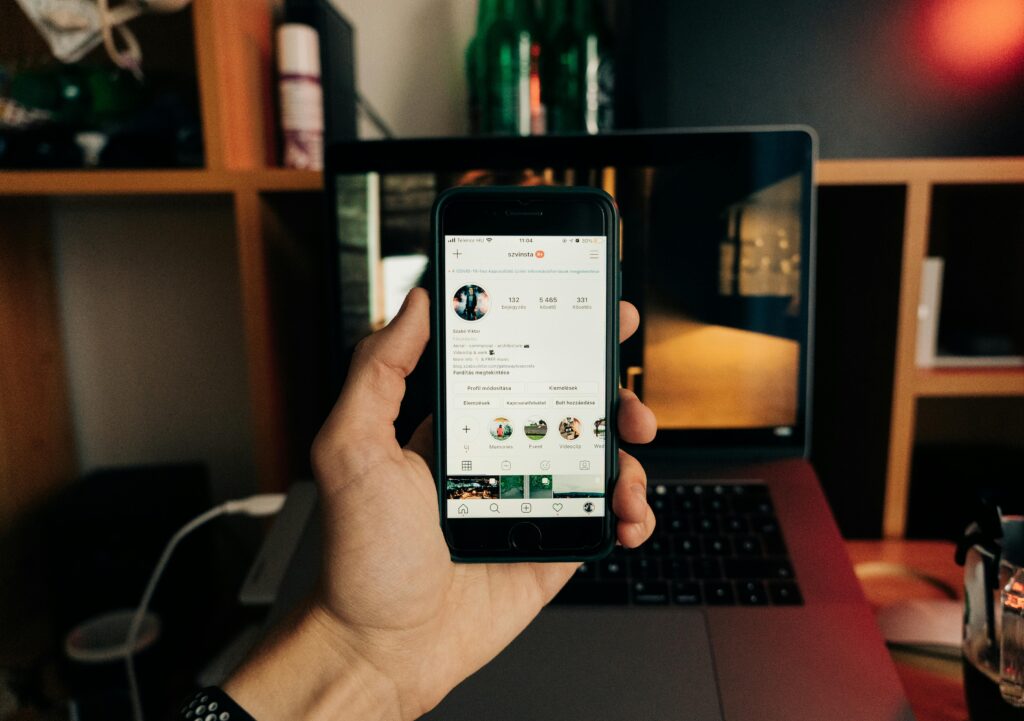
5. Look at Your Likes and Comments on Their Old Posts
If you liked or commented on their posts before, try going back to find those posts. Sometimes you can see your old interactions. Sometimes they’re gone. If the posts still exist and you can see them, however your likes and comments disappear, that person blocked you.
The posts wouldn’t still be up if they deleted their account entirely. If the posts are gone and you can’t find the person’s profile at all, the account was probably deleted.
6. Try Visiting Them Through a Link
Maybe you bookmarked their profile, or you have an old Instagram link saved somewhere. Try clicking that link from your phone or computer. If it says “No Posts Yet” or “User Not Found” or gives you some kind of error message, something definitely happened.
If you get that message but your friend can access their profile fine, you’re blocked. If nobody can access it from a direct link, the account’s gone.
7. Check Mutual Friends’ Follower Lists
Look at a mutual friend’s followers list and see if this person shows up. If they do, they didn’t delete their account, which means you got blocked.
They’re still following people and being followed by people, just not you anymore. If they don’t appear in any of your mutual friends’ following or follower lists, their account was probably deleted.
8. See If They Posted Stories Recently
If you know their handle, try searching for their stories (sometimes you can find people through hashtags or location tags even if they don’t show up in regular search).
If their stories pop up but their profile doesn’t, you might be blocked. If nothing shows up at all across the entire platform, the account was likely deleted. This one’s trickier because Instagram’s search is worth trying.

9. Notice If You Get an Error When Trying to Visit Directly
Sometimes the clearest sign is just attempting to visit their profile page directly. If you get a message saying “No Posts Yet” or “User Not Found” or “Page Not Available,” something happens. Try it a few different ways. From your phone. From a desktop browser.
Through a DM link if you have one. If it consistently says they can’t be found and your friends can find them? You’ve been blocked. If nobody can find them no matter how you search, the account’s deleted.
10. The Secondary Account Verification
Many people create a quick backup account to see if a missing profile is truly dead or just hiding. Switching to a completely different profile allows you to search for the username with a fresh digital footprint.
If the account pops up instantly on your second profile, it confirms that your main account was intentionally blocked.
Key Takeaway
The Instagram block spiral is real, and we’ve all been there. The good news is you have ways to figure out what actually happened instead of just wondering forever.
Check the signs, ask a friend, and once you know, let it go. Some people aren’t meant to stay in your digital life, and that’s okay.
Want to go deeper into why we become mini-detectives when someone disappears online? Check out our full breakdown here How to Tell If Someone Blocked You on Instagram and Why It Hits So Hard


